Is Bad Times AI Free? What You Can Preview
See what you can try before ordering. Watch real examples, compare them with the source photos and check a caption in the editor.
You can watch the published examples and try caption placement for free. Generating a video from your own photo is a paid order. Use the preview to answer three questions before deciding whether to buy.
Does this scene fit the subject?
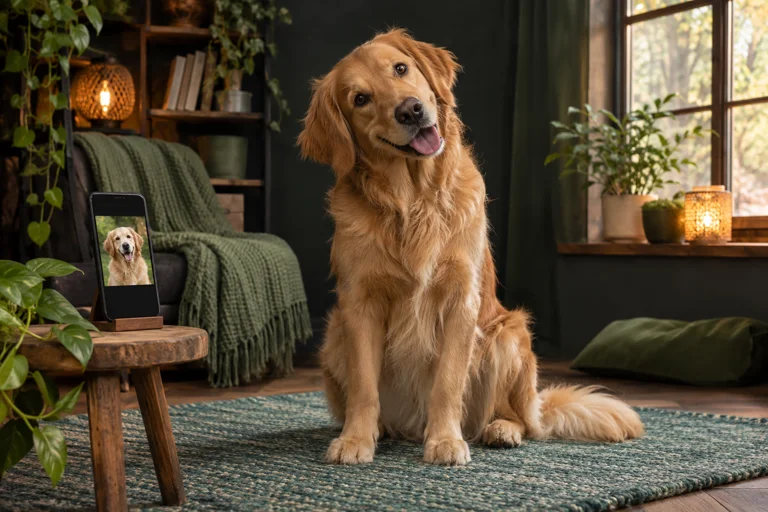
Open Examples and choose a template. Look at the input photo first, then play the finished sample. For a seated dog, check where the ears and paws sit in the frame. If you want a full-body dance, look for a source photo with all four paws visible. Match the example to the kind of photo you actually have.
Can I see the duration and quality I want?
Read the sample label. For Treat Bag Meltdown, you can switch among the available 15-second and 30-second examples, including the 720p version. Other templates may have a 15-second sample only. The studio shows the options available for the selected scene.
Will the text fit?
Type a short line in the top caption field. Check it on your phone and break up any sentence you have to read twice. This preview shows the text on the scene so you can check position and legibility.
Once you have the scene and format, compare the short and full versions or review your price and email in the studio.