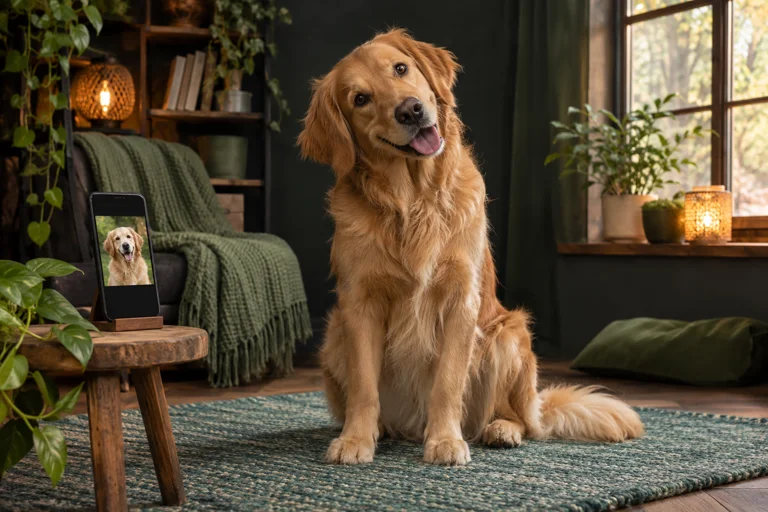
Bad Times AI Guides
How to Make a Bad Times AI Video from One Photo
Make a Bad Times reaction video from a photo of your dog, cat or yourself. Learn how to choose a scene, write the caption and check the order.

Photo tips, template guides and ideas for your next reaction video.
Make a Bad Times reaction video from a photo of your dog, cat or yourself. Learn how to choose a scene, write the caption and check the order.
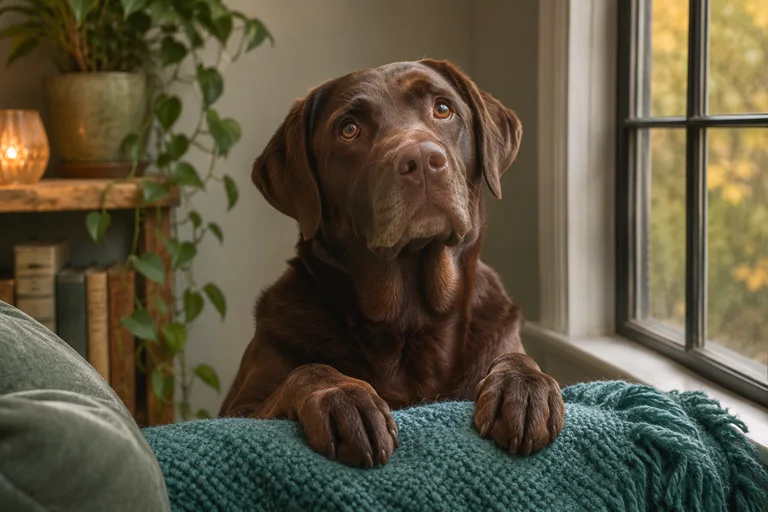
Make the Bad Times dog trend with your own pet photo. See which crop, light and expression work for the Treat Bag Meltdown scene.
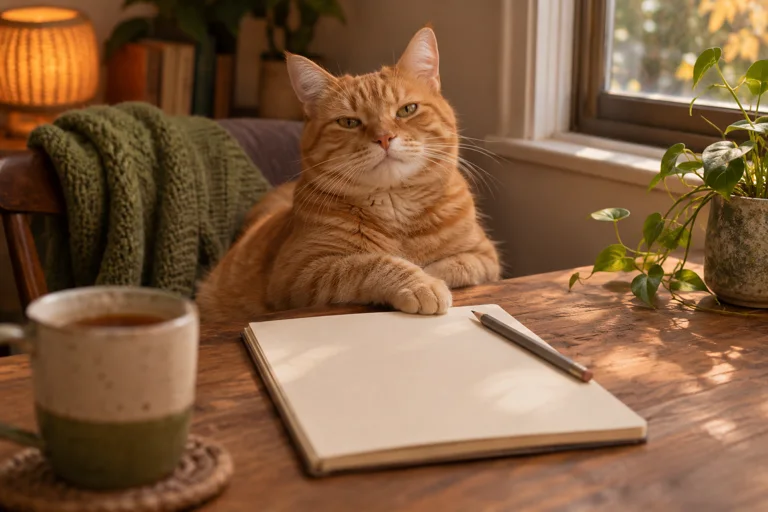
Find short Bad Times captions for treat-bag drama, late cat dinners and awkward human reactions. Adapt one to the photo you have.
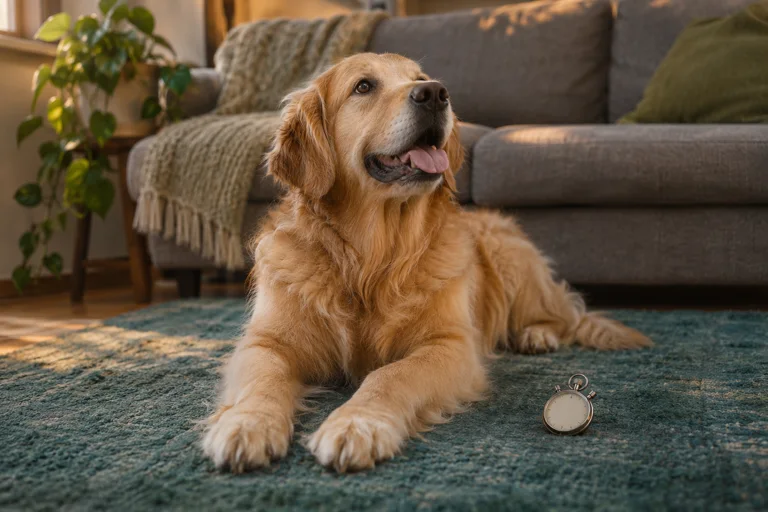
Choose a Bad Times video length by the joke you want to tell. Watch the same dog template at 15 and 30 seconds before deciding.
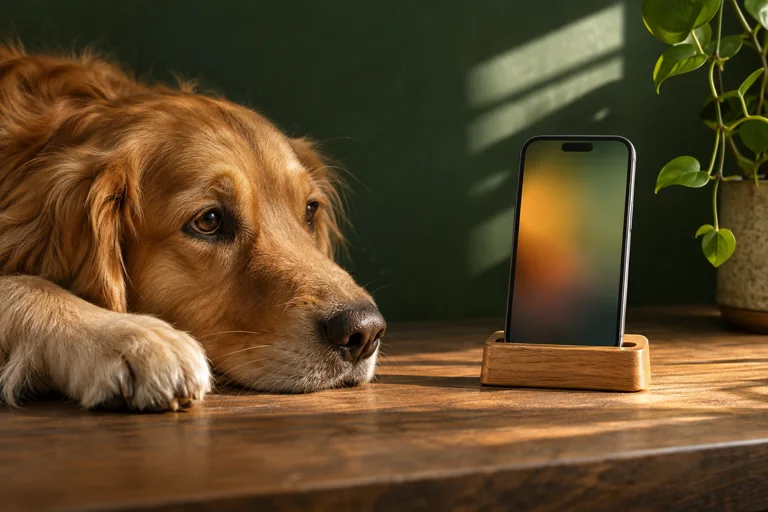
Compare 480p and 720p Bad Times samples on the same phone and learn when HD helps a vertical clip.
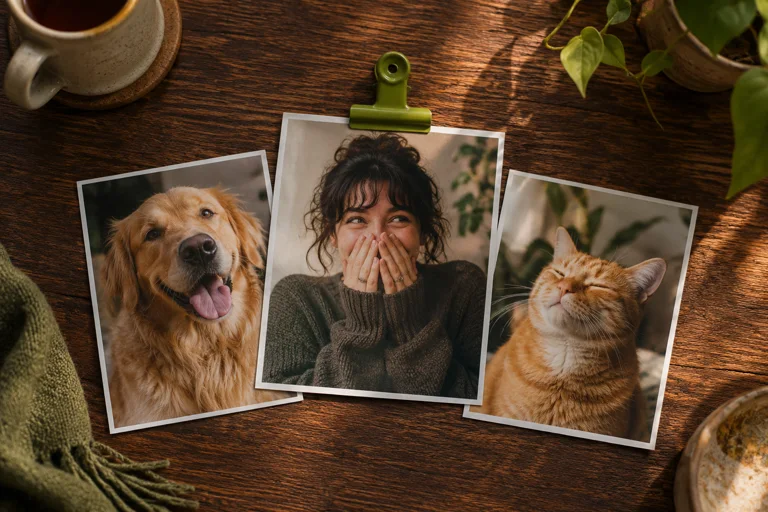
Plan three separate 15-second, 480p reaction videos. See which scenes fit a bundle and when to choose a longer single clip.
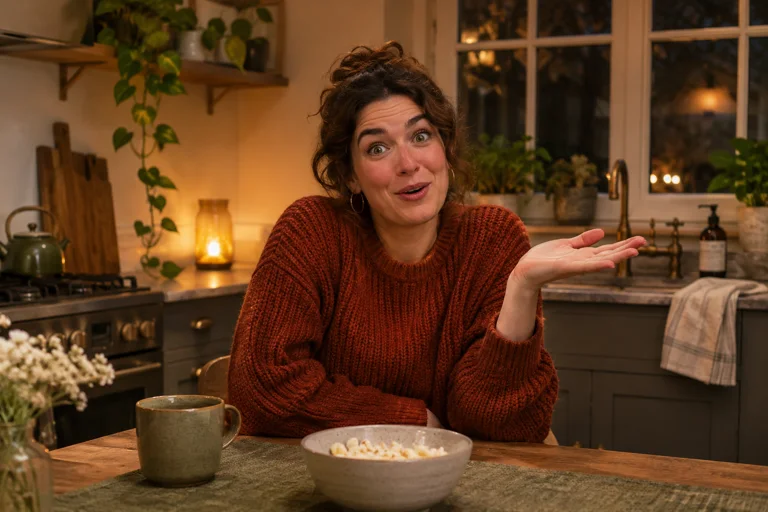
See what makes a Bad Times reaction recognizable, from the everyday setup to the dramatic stare. Try three ways to adapt it to your own photo.
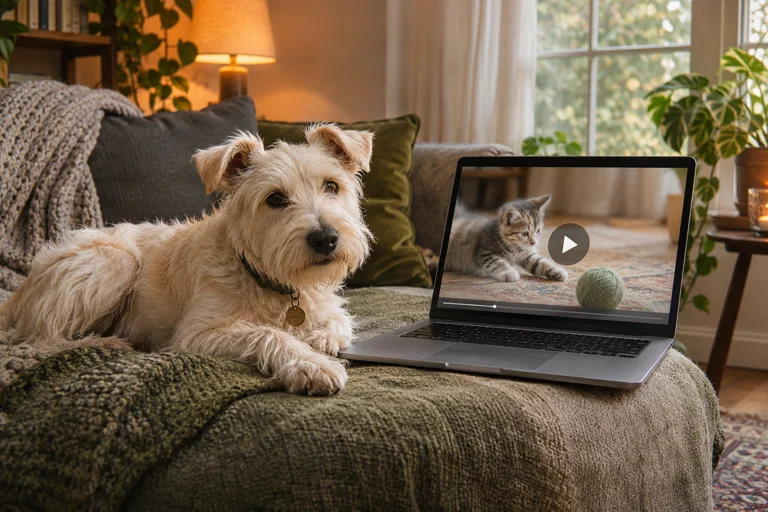
See what you can try before ordering. Watch real examples, compare them with the source photos and check a caption in the editor.

Choose an adult portrait for One More Thing with enough room for gestures, clear eyes and natural light.
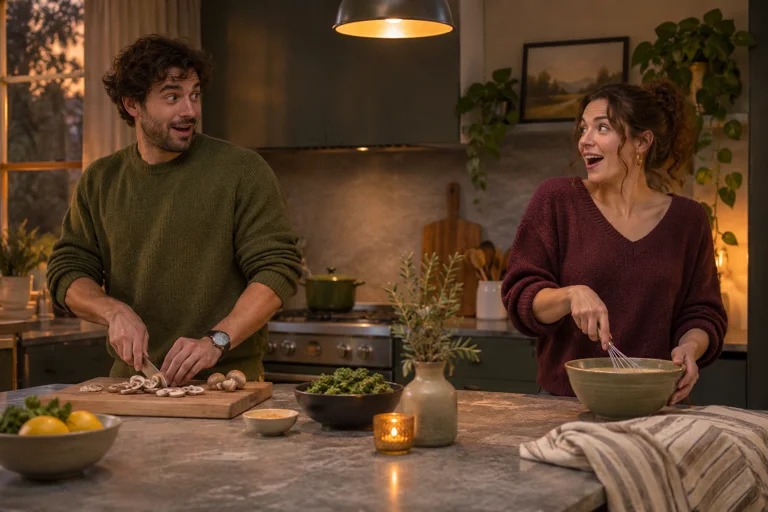
Use a clear group photo or two separate portraits for Roommate Debate. Keep both people visible and build a joke they can share.
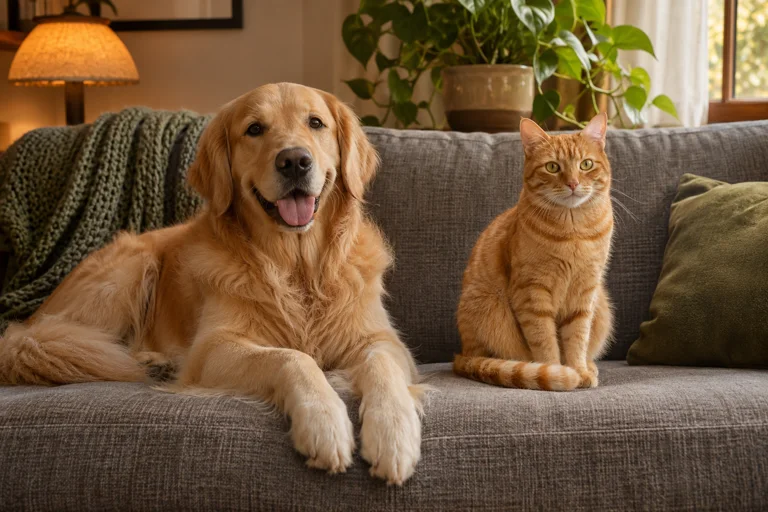
Use two separate pet photos for Double Trouble. Learn how to match angle and light so each dog or cat is easy to recognize.
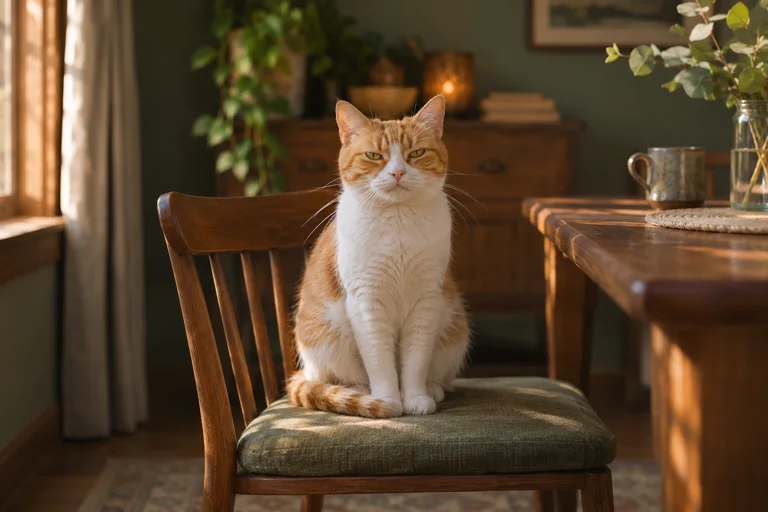
Choose a cat photo that keeps its eyes, whiskers and markings clear. Build a dinner-time joke with the Dinner Is Late template.
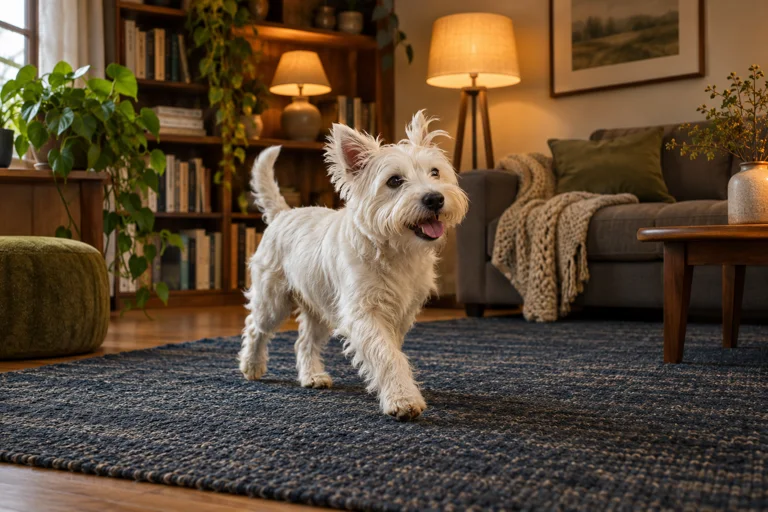
Choose a full-body pet photo for a 15-second Dame Hombro dance. See what to leave in frame and how to check the example first.
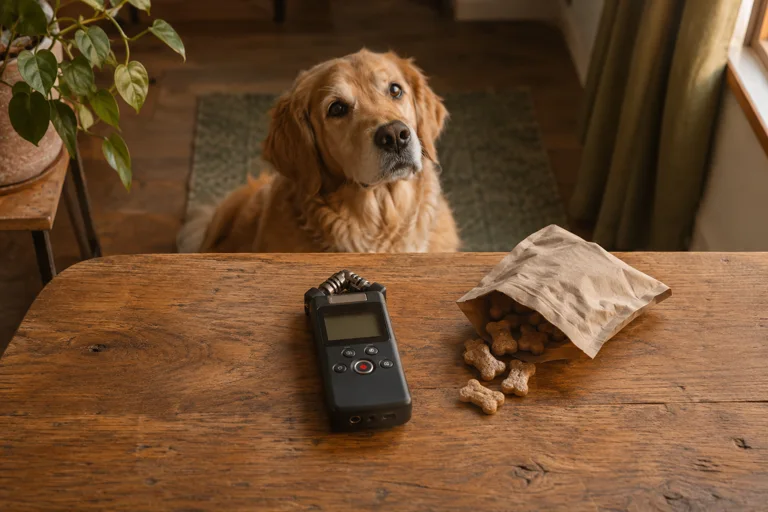
Listen to the sample for the scene you choose. Compare effects and audio before deciding whether your reaction needs added music.

Check which BAD TIMES recording you heard and what its music listing can tell you. Learn how to hear the sound in a Bad Times AI sample.
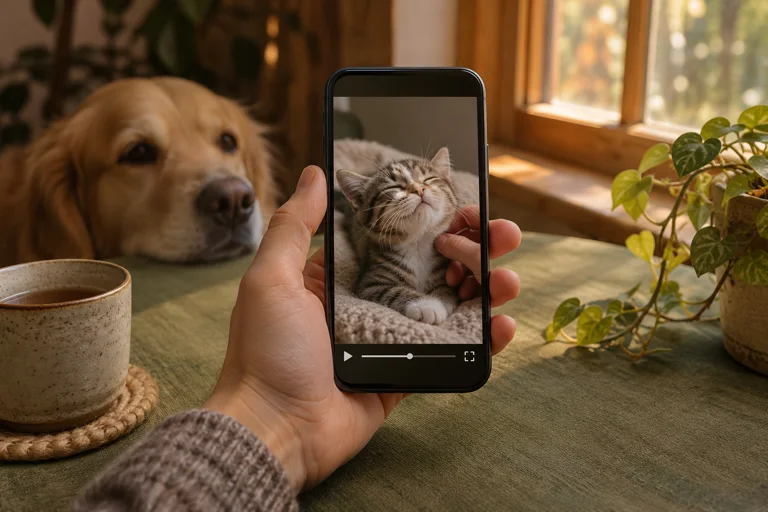
Save the vertical MP4 from your email, preview it on a phone and share the file or the public example as appropriate.
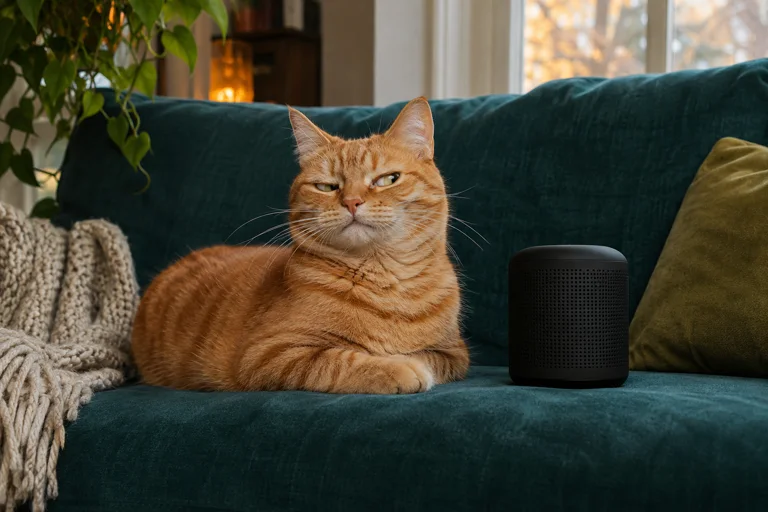
Make a dog or cat reaction funny with the sound off. Plan a one-line setup, a visible expression and a payoff viewers can read.
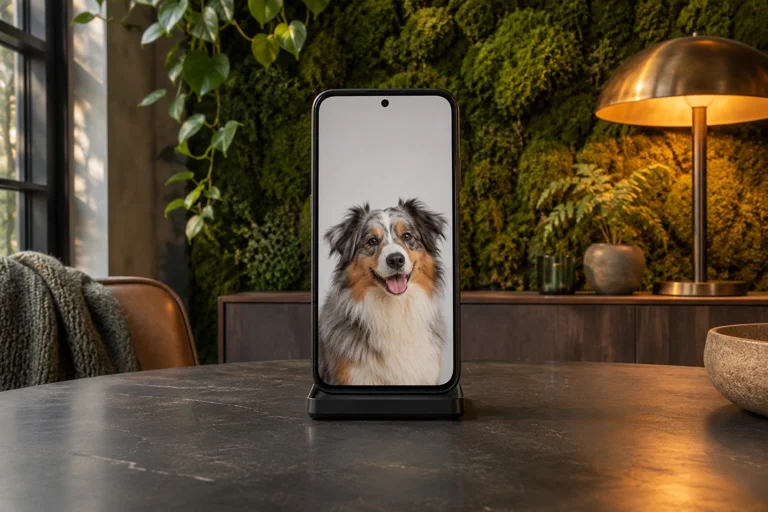
Use the Bad Times caption preview to keep text easy to read and away from your pet’s eyes or face in a vertical clip.
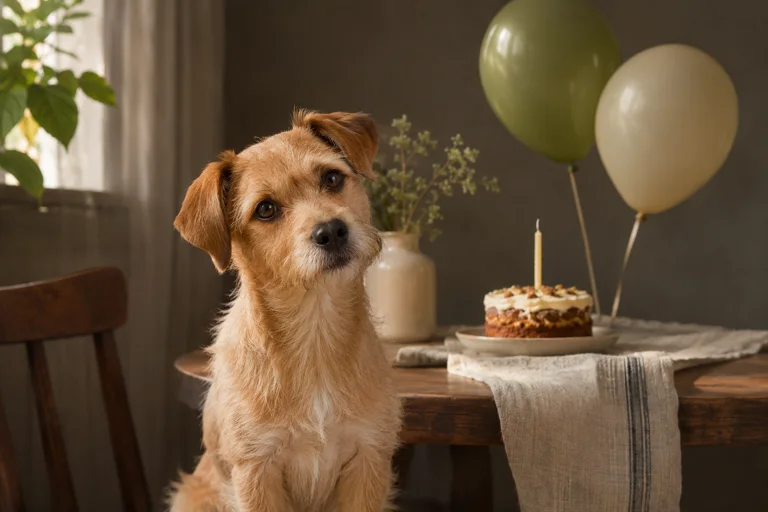
Turn a pet’s expression into a birthday reaction. Choose a scene you already like and personalize it with a cake or party caption.
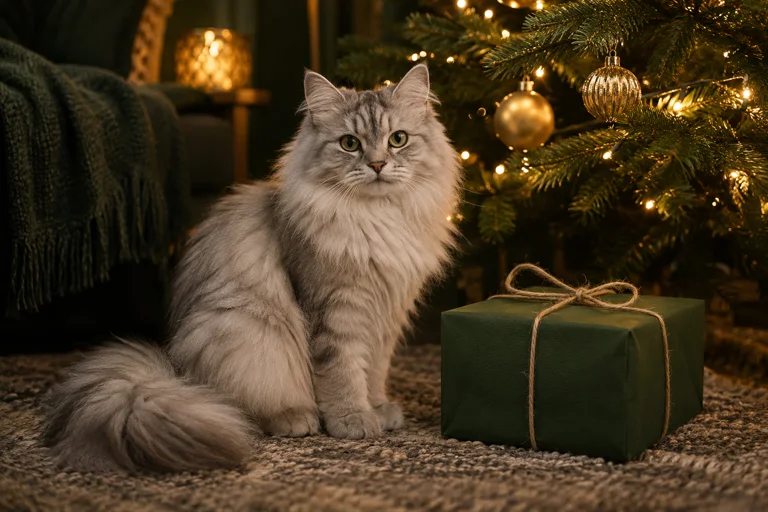
Turn your dog or cat photo into a Christmas pet reaction. Try a gift-opening caption and see how to send the MP4 as a surprise.
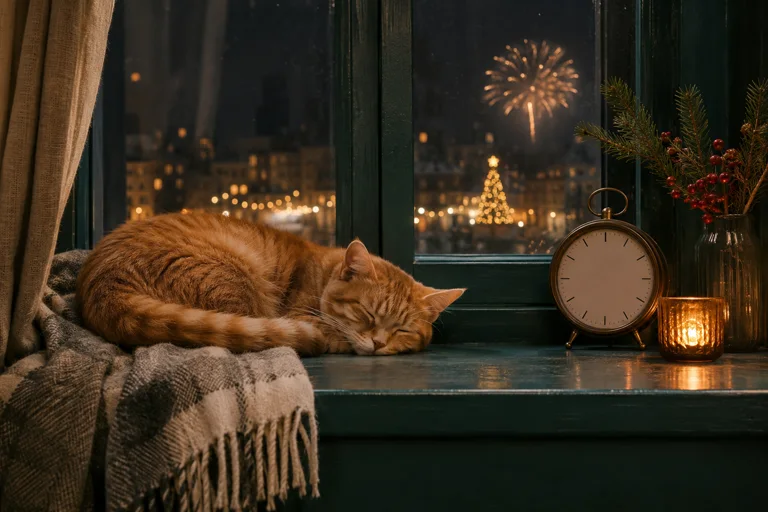
Give your dog or cat a funny midnight reaction. Start with an everyday photo and write a countdown or New Year’s resolution caption.

Find short messages for a pet video gift, from a birthday surprise to a thank-you. See which words belong in the email versus the clip.
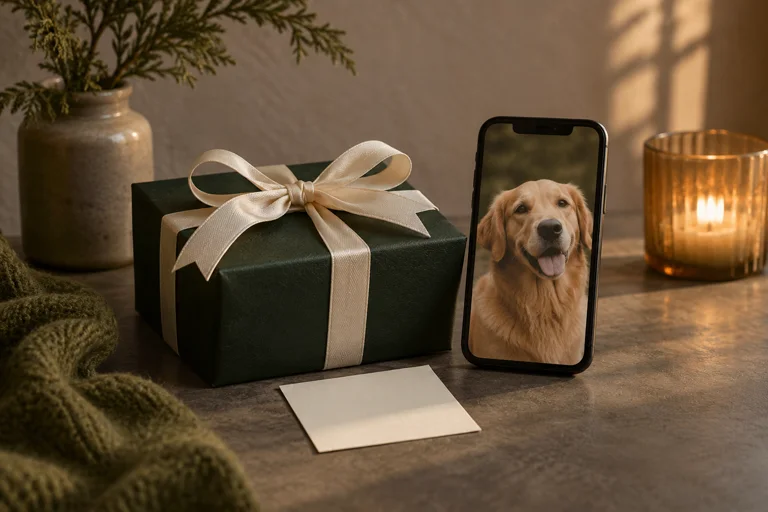
Use your email for the order and the recipient’s for delivery. Add a personal gift note and check both addresses before paying.
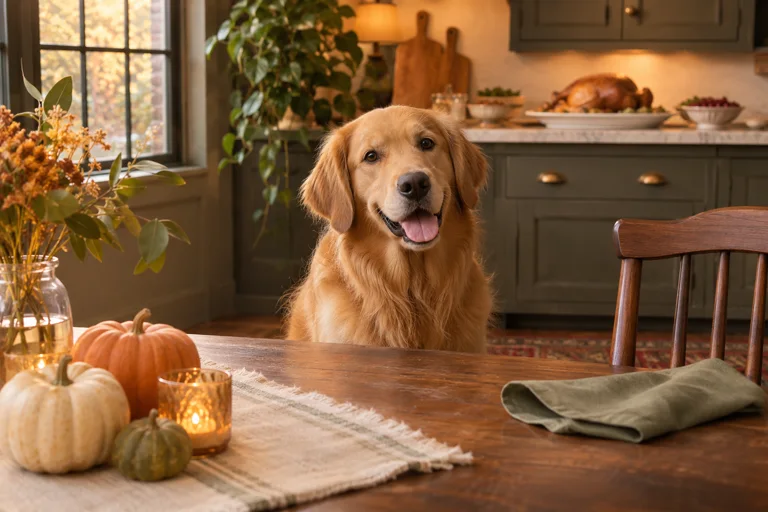
Use the Turkey Tax template for a funny Thanksgiving dog or cat video. Pick a clear pet photo and a dinner-table joke.